
SilkTerm
The only terminal that smooth-scrolls lines on output.
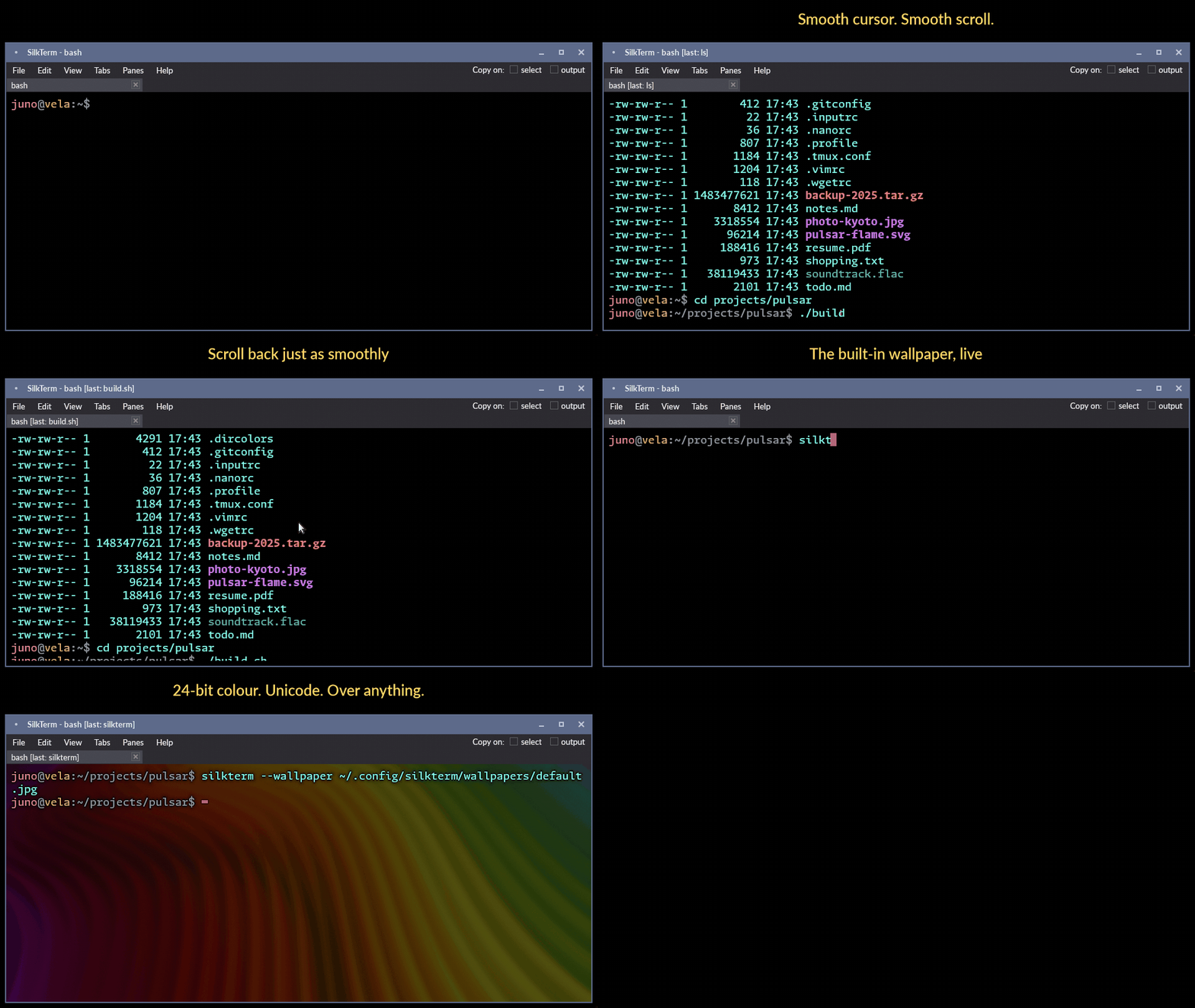
SilkTerm smooth-scrolls lines on output, not only on the mouse wheel - as far as we know, the only contemporary terminal emulator that does. Cursor blink and movement are smoothly animated too. On a high-refresh monitor the difference is easy to see in person and hard to convey in a recording.
The background image and text scrim options are unique as well. A scrim backs the text so it stays readable over a similarly colored background or heavy transparency, where an angled drop shadow tends to make it worse.
None of that would count for much if the terminal fell behind whenever something dumped a lot of text, so throughput is measured rather than asserted. Each terminal is fed byte-identical streams of one UTF-8 width class at a time and timed to a reply it can only give once it has consumed the lot. SilkTerm leads that table with its effects switched off, and sits a few percent off the top with every one of them on.
Everything else expected of a modern terminal is there: detachable multi-tabs, native split panes, transparency with blur, clickable links, an overlay scrollbar, and the option to run with no menu or window decorations at all. One codebase covers Linux and Windows on both x86_64 and ARM, and the same binary picks X11 or Wayland at runtime. Written in Rust, GPU accelerated where available, and 10.5 MiB with nothing linked beyond the C runtime.
Highlights
- Smooth pixel-at-a-time scrolling on output, on the mouse wheel, and on cursor movement.
- An optional text scrim that keeps text readable over similarly colored backgrounds and high background transparency.
- Background transparency with compositor blur, and a selectable background image with its own blur, dimming, contrast mask, and fit. A pack of 104 wallpapers is a separate download.
- Native split panes, splittable in either direction and freely dragged to new positions.
- New tabs and splits open in the current pane's directory, PowerShell included.
- Clickable links, copy on select and copy on output per pane, and an overlay scrollbar that takes no columns away from the text. A program in the pane can set the clipboard too, as it can under tmux.
- A settings dialog with four color themes, each in a dark and a light variant, and a revert arrow on every setting.
- Cursor size and animation options, including phased blinking and a smooth size pulse, at an adjustable rate.
- Full Unicode and emoji support, with internal fallback rendering for glyphs the chosen font cannot display.
- One codebase for Linux and Windows on x86_64 and ARM, choosing X11 or Wayland at runtime from the same binary.